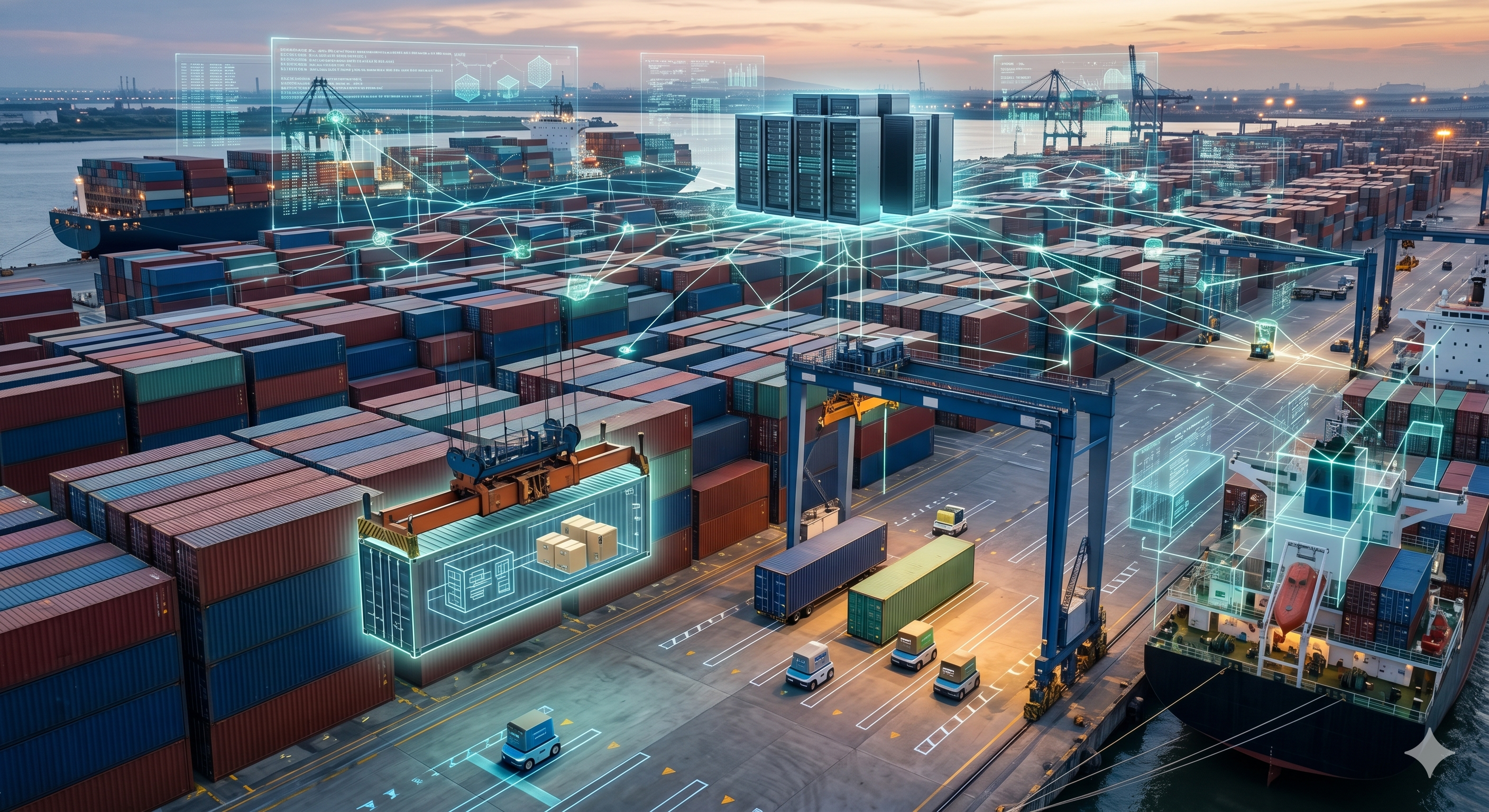
Docker and Kubernetes for e-commerce infrastructure have become close to standard in the modern software development world. Containerisation technology packages applications in an environment-independent way, eliminating inconsistencies between development, test and production environments. In this comprehensive guide we look at Docker and Kubernetes from an e-commerce perspective and offer practical implementation guidance.
What Is Containerisation and Why Does It Matter?
A container is a lightweight isolation unit that holds an application together with all of its dependencies (libraries, runtime, configuration) in a single package. Unlike virtual machines, containers share the operating system kernel, so they consume far fewer resources and start in seconds. By completely eliminating the 'it works on my machine' problem, containers dramatically simplify both the development process and production deployments.
- Environment Consistency: The same container image runs everywhere, from the developer's laptop to the CI/CD system, and from the test environment to production. Problems such as Node.js version mismatches, missing libraries or differing operating system behaviour disappear entirely.
- Rapid Deployment: Container images start within seconds. A new version of a service can run alongside the old version to ensure a seamless transition. This is particularly critical during busy campaign periods.
- Resource Efficiency: Dozens of containers can run on a single server. Because there is no virtual machine overhead, far more workloads can be processed on the same hardware and infrastructure costs fall.
- Microservices Fit: Each microservice is packaged and deployed as an independent container. Managing dependencies between services becomes much cleaner.
Docker Core Concepts and Writing a Dockerfile
The three core concepts of the Docker ecosystem are the image, the container and the registry. An image is an executable snapshot of the application, made up of read-only layers. A container is a running instance of an image, with a writable layer added. A registry is the central repository where images are stored and shared; Docker Hub is the most common example of a public registry, while ECR (AWS), GCR (Google) and ACR (Azure) are managed private options.
Example Dockerfile for an E-Commerce Node.js Application
A well-written Dockerfile should be optimised for both security and image size. Use a multi-stage build so that build tools are not included in the final image; this can reduce image size by 60-80 per cent. Run as a non-root user: a container running as root can compromise the entire host system in the event of a security vulnerability. Use specific tags; the 'latest' tag creates ambiguity in production. To take advantage of layer caching, copy package.json before the source code; when dependencies have not changed the cache remains valid and build time is reduced. Use a .dockerignore file to exclude node_modules, .git and test files from the image.
Multi-Service Setup with Docker Compose
Docker Compose is a tool that defines multiple services and starts them with a single command. For an e-commerce development environment, the web application, a PostgreSQL database, a Redis cache, Elasticsearch and an Nginx reverse proxy can be defined in docker-compose.yml. The docker compose up -d command starts all of the services. The order in which services start is set with depends_on. Named volumes preserve database data across container restarts. A developer can clone the project and bring up the full environment with a single command, which dramatically shortens the onboarding process.
Kubernetes: The Container Orchestration Platform
Kubernetes (K8s) is an open-source platform that automates container management at scale. Developed by Google and released as open source in 2014, Kubernetes is now maintained under the CNCF. It automates the deployment, scaling and management of containerised applications across multiple servers. Pod, Deployment, Service, ConfigMap, Secret, Ingress and Namespace are the core Kubernetes resources.
- Pod: The smallest deployable unit, holding one or more containers. With the sidecar pattern a log collector or proxy container can be added alongside the main container. Pods are ephemeral; when one dies it is recreated by the Deployment.
- Deployment: Manages the desired number of replicas and provides zero-downtime updates through rolling updates. Problematic updates can be quickly reversed with the rollback mechanism. A minimum of 3 replicas is recommended for an e-commerce product service.
- Service: Places a stable DNS name and IP address in front of the pods. ClusterIP (internal traffic), NodePort and LoadBalancer types are available. Kube-proxy routes incoming traffic to healthy pods.
- Ingress: Manages HTTP/HTTPS traffic, providing SSL termination and path-based routing. The Nginx Ingress Controller is the most widely used implementation.
Horizontal Auto-Scaling and Resource Management
The Kubernetes HPA (Horizontal Pod Autoscaler) automatically increases and decreases the number of pods based on CPU and memory metrics. During e-commerce campaign periods the order service's replica count can automatically rise from 3 to 50, returning to the minimum level once the campaign ends. With custom metrics, scaling can also be defined on request count, queue length or application-specific metrics. KEDA (Kubernetes Event-Driven Autoscaling) is a powerful option for event-based scaling, such as on the number of Kafka messages. The VPA (Vertical Pod Autoscaler) automatically recommends CPU/memory request values. Defining resource requests and limits is essential both for fair resource sharing and for QoS guarantees.
CI/CD Pipeline Integration
In a modern e-commerce infrastructure, every code change should be automatically tested, built into a container image and deployed to Kubernetes. GitHub Actions and GitLab CI are the most popular automation platforms for these processes. A typical pipeline includes the following steps: code is pushed, unit and integration tests run, the Docker image is built and pushed to the registry, an automatic deployment is made to the staging environment, and once the smoke tests pass a canary or blue/green deployment is applied to production. In the GitOps approach, ArgoCD or Flux uses the Git repository as the single source of truth and automatically synchronises the cluster state.
- GitHub Actions Example: With an on push to main trigger, image build and push are automated using docker/build-push-action. The deployment is updated with kubectl rollout restart or a Helm upgrade. Secrets are managed securely through GitHub Secrets.
Managed Kubernetes: EKS, GKE and AKS
Managing the Kubernetes control plane requires serious expertise and effort. Managed Kubernetes services hand this burden over to the cloud provider. AWS EKS (Elastic Kubernetes Service), GKE (Google Kubernetes Engine) and AKS (Azure Kubernetes Service) are the most popular managed options. GKE, offered by Google, the company that developed Kubernetes, provides the most mature managed experience, and its Autopilot mode takes over node management entirely. EKS offers deep integration with the AWS ecosystem, while AKS is well suited to enterprise use thanks to its Azure DevOps and Active Directory integration. With managed Kubernetes you pay only for the worker nodes; the control plane is usually free or low cost.
Frequently Asked Questions
Can you use Kubernetes without learning Docker?
While theoretically possible, in practice it is strongly recommended to understand Docker first. Container concepts, image structure and Docker Compose experience make learning Kubernetes far more meaningful. Start locally with Docker Desktop, then try a multi-service setup with Docker Compose. Once you have built this foundation, move on to local Kubernetes with Minikube or Kind.
Do I need to move my e-commerce site to Kubernetes?
For small-scale e-commerce sites, Kubernetes can create excessive complexity. Start with Docker Compose or a containerised deployment on a single server. If you are receiving tens of thousands of orders a day, planning a move to microservices architecture, or need high availability across different regions, Kubernetes delivers serious value. Managed Kubernetes (EKS, GKE, AKS) significantly reduces the operational burden.
How should I secure Kubernetes?
Restrict traffic between pods with Network Policies; by default all pods can communicate with one another. Apply the principle of least privilege with RBAC (Role-Based Access Control). Prevent privileged containers from running with Pod Security Standards. Use Vault or AWS Secrets Manager for secret management; Kubernetes Secrets are base64-encoded, not encrypted. Integrate image vulnerability scanning (Trivy, Snyk) into the CI pipeline.
Is a CI/CD pipeline for Kubernetes expensive?
The GitHub Actions free tier is sufficient for small projects; it offers unlimited minutes for public repos and 2,000 free minutes a month for private repos. GitLab CI is practically free with self-hosted runners. Jenkins offers full control and flexibility but is hosted on your own infrastructure. Managed runner costs are calculated per minute; a typical e-commerce pipeline takes 5-10 minutes. Costs can be optimised by shortening build times with caching strategies.
Conclusion
Docker and Kubernetes for e-commerce infrastructure form a powerful technology stack for e-commerce businesses looking to build a modern, scalable platform. Ensure development environment consistency with Docker, build a scalable and reliable production infrastructure with Kubernetes, and deploy code changes safely and rapidly with a CI/CD pipeline. Contact Toserof Tech. for your software infrastructure projects.