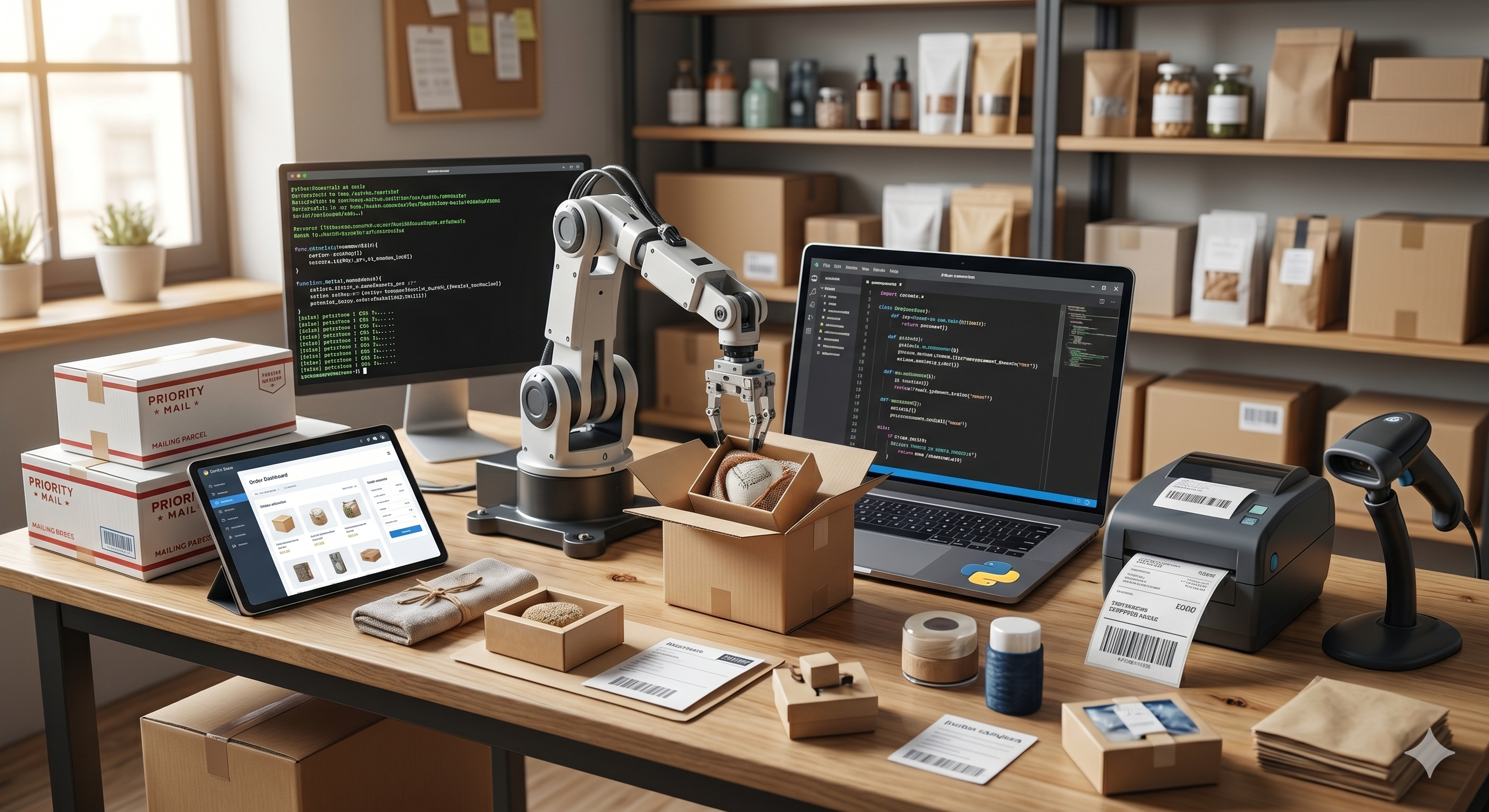
Python e-commerce automation delivers enormous savings in time and resources for online store owners. Python's powerful library ecosystem is a genuine treasure trove for automating repetitive tasks, reducing error rates and getting ahead of the competition. In this guide we walk step by step through Python scripts that work in the real world.
What Is Python E-Commerce Automation and Why Does It Matter?
Hundreds of repetitive tasks are carried out every day in e-commerce operations: price updates, stock checks, order tracking, customer notifications. Doing these tasks manually is both time-consuming and prone to error. With Python automation scripts you can carry out all of these operations automatically, on a schedule and without errors. Python automation can be applied at every scale, from a small shop to a large marketplace, and offers scalable solutions.
- Price Tracking Script: Monitors competitor product prices at regular intervals and notifies you instantly, strengthening your dynamic pricing strategy.
- Stock Alert Bot: Sends an automatic email or Telegram message when critical stock levels are reached, eliminating the risk of running out of stock.
- Order Reporting Automation: Automatically generates daily, weekly and monthly order summaries, giving managers ready-made reports.
Bulk Product Updates with the Shopify API
One of the most common automation scenarios for Shopify store owners is bulk product updating. Updating the price, stock information or description of thousands of products one by one can take hours. With the combination of Python's requests library and the Shopify Admin API you can complete this task in minutes. After OAuth 2.0 authentication, you can read the updated data from a CSV file and automatically update all of your products through the API. Adding rate limiting and error handling mechanisms to build a robust script is also critically important.
Competitor Price Tracking with Web Scraping
Tracking your competitors' prices manually is a thing of the past. Using the BeautifulSoup and Selenium libraries you can pull product prices from competitor e-commerce sites at regular intervals, save them to your database and produce meaningful reports. For dynamic content loaded with JavaScript, using Selenium WebDriver is essential. You can get around IP blocking with proxy rotation and user-agent changes. With the data you collect you can build a dynamic pricing engine that automatically adjusts your own prices to competitive levels. This approach delivers a serious competitive advantage, particularly for businesses that own large categories.
Google Sheets Integration
Google Sheets is one of the most widely used collaboration tools among e-commerce teams. Thanks to the gspread library and the Google Sheets API, you can write, read and update data in Google Sheets directly from your Python scripts. Imagine arriving at work in the morning to find all of your sales data, stock levels and order summaries waiting for you in automatically updated Google Sheets. By creating a service account you can manage authentication securely and access multiple sheets and workbooks. Conditional formatting and chart creation can also be automated through the API.
Scheduled Tasks with the schedule Library
Python's schedule library offers the easiest way to run tasks automatically at set intervals. Just a few lines of code are enough to generate a stock report every day at 08:00, check competitor prices every hour, or email the weekly sales summary every Monday. As an alternative to crontab, the schedule library works equally well on Windows and Linux, and its thread-safe design and fault tolerance mean it can be used with confidence in production. APScheduler is the preferred alternative for more advanced scheduling needs.
Email Marketing Automation
With Python you can send abandoned basket emails, back-in-stock notifications and personalised campaign emails. The smtplib and email libraries enable basic email sending, while the Mailchimp, SendGrid or Amazon SES APIs allow more comprehensive campaign management. Creating personalised HTML emails with the Jinja2 template engine is extremely practical. Dynamic email systems that deliver different content according to customer segment significantly increase conversion rates. A/B test automation can also be set up easily with Python.
Form Automation with Selenium
Some e-commerce tasks have to be carried out on platforms without API access. Selenium WebDriver controls a real browser to automate operations such as filling in forms, clicking buttons and navigating pages. Selenium is indispensable for tasks such as bulk product uploads, downloading invoices and pulling data from reporting screens. Automation scripts launched with ChromeDriver or GeckoDriver can also run on servers in headless mode. Explicit and implicit wait mechanisms make reliable automation possible by waiting for dynamic content to load fully. The Page Object Model design pattern simplifies code organisation in large automation projects.
Practical First Steps and Tool Recommendations
Choosing the right toolset is critical when getting started with Python e-commerce automation. Keeping the project structure tidy, managing dependencies with requirements.txt and storing sensitive information in a .env file are fundamental good practices. Adding error handling and logging mechanisms guarantees smooth operation in the production environment.
- requests: The core library for HTTP requests and REST API integrations, used to communicate with the Shopify API and other platform APIs.
- BeautifulSoup4: An easy-to-learn, reliable library used for parsing HTML and web scraping.
- pandas: The industry-standard library for data analysis, reading/writing CSV files and processing large datasets; indispensable in reporting scripts.
- schedule: Task scheduling with a simple, readable syntax, offering cron-like functionality within Python.
- gspread: The bridge between the Google Sheets API and Python, automating team reporting and data sharing processes.
Security and Best Practices
Security should always be the priority when developing automation scripts. API keys, passwords and tokens should never be written into the source code; use environment variables or encrypted vault solutions instead. Respecting rate limiting rules both protects your API account and reduces the load on the other party's servers. Automatic retry logic for error conditions and dead-letter queue implementations keep your data safe in production systems. Regular log analysis lets you spot potential problems in advance.
Frequently Asked Questions
Where should Python automation scripts be hosted?
For simple, low-frequency scripts a VPS (Virtual Private Server) is sufficient. For more complex, high-frequency operations, serverless platforms such as AWS Lambda, Google Cloud Functions or Azure Functions should be preferred. These platforms charge only for the time the scripts actually run and offer automatic scalability.
What is the Shopify API rate limit and how do I work within it?
The Shopify REST API is limited to 2 requests per second on the default plan. Because a leaky bucket algorithm is used, short bursts are possible. To avoid exceeding the rate limit, it is recommended to add time.sleep() between requests, read the Retry-After header to determine the wait time, and use the GraphQL API wherever possible. GraphQL optimises rate limit usage by providing access to multiple resources in a single request.
Is web scraping legal?
The legal status of web scraping depends on the target site's robots.txt file, its terms of use and the digital law of the country concerned. As a general rule, collecting publicly available data is considered legal, but violating a site's explicit terms of use or generating excessive load can cause problems. Always respect the robots.txt file, use reasonable request intervals and assess the risks by seeking legal advice.
Should I choose Selenium or Playwright?
Both tools offer powerful web automation solutions. Selenium has a more mature ecosystem and a large community, while Playwright stands out for its more modern API design, auto-wait mechanism and multi-browser support. Playwright is recommended for new projects, whereas migrating existing Selenium-based projects can involve a large amount of work. In terms of speed and reliability, Playwright generally performs better.
Conclusion
Python e-commerce automation scripts are among the most powerful tools for multiplying the efficiency of online stores. From price tracking to order reporting, and from Shopify API integration to email marketing, the possibilities Python offers in every area are limitless. Choosing the right tools, writing secure and maintainable code, and managing scheduled tasks effectively are the keys to success. Contact Toserof Tech. for technology and data analytics solutions.